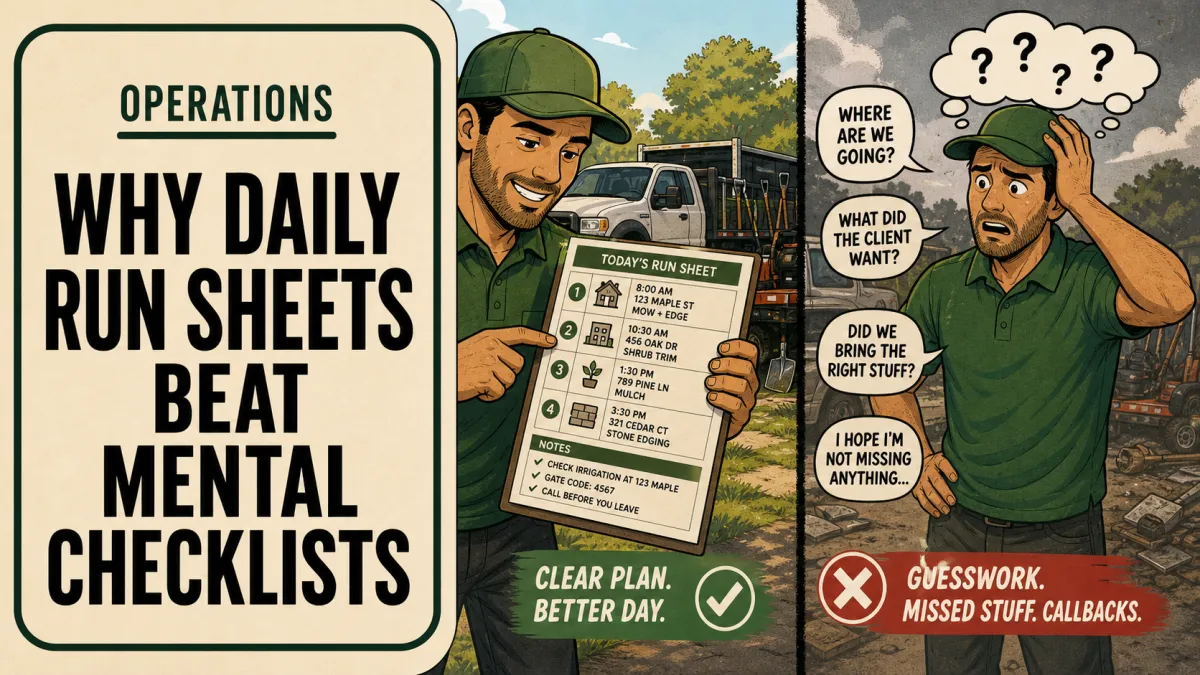
Landscaping Daily Run Sheet: What Each Crew Needs
A landscaping run sheet is the crew's plan for the day on one page: every stop in order, the approved scope, estimated person-hours, materials and equipment, and the access and client notes the crew needs on site. A good run sheet template lets any qualified leader run the route without calling the owner. Keep it tied to the current work orders so outdated instructions do not circulate.
Updated October 9, 2026
What a run sheet is, and what it is not
In a lot of landscaping companies the real run sheet is the owner's memory. He knows the gate code at the corner lot, which customer hates the blowers before 8 a.m., and that the third stop needs the small mower. When a substitute leader covers the route, the crew burns an hour calling and guessing.
A run sheet moves that knowledge onto paper or a screen. It is different from two other documents:
The work order defines the approved scope and specifications for one job. The run sheet points to it; it does not replace it.
The dispatch checklist is how the office confirms readiness the afternoon before. The run sheet is what that process produces. The checklist itself is covered in the morning dispatch checklist.
The fields every run sheet needs
Start with these. Add nothing until the crew fills them in reliably.
Header: date, crew leader, crew members, truck and trailer, escalation contact.
Stop number and property: sequence, customer or job name, address, job or work-order number.
Scope: the approved tasks in one line, with a reference to the work order for detail.
Estimated person-hours: the target the job was priced on. This is the field most run sheets leave out, and it is the one that tells a crew whether they are on pace.
Materials and equipment: anything beyond the standard load.
Access notes: gate instructions, time windows, parking, pets, irrigation zones.
Client notes: recent requests, approved changes, anything the crew should not promise.
Actual and status: a blank for actual person-hours and a done or open mark, filled in on site.
The estimated hours column matters more than it looks. A crew that can see a target on every stop can manage its own pace, which is the fix for most of the problems in why crews lose momentum without the owner onsite. It also gives you the actual-versus-estimate data needed to diagnose labor overruns.
A filled-in run sheet example
Here is what a maintenance route might look like for a three-person crew. Names, numbers, and notes are illustrative.
| Stop | Property / job # | Scope | Est. person-hours | Materials / equipment | Access and client notes |
|---|---|---|---|---|---|
| 1 | Oak Ridge HOA / 1042 | Mow, trim, blow common areas | 6.0 | Two 60-inch mowers | Start after 8:00 a.m. per HOA rule |
| 2 | Residential / 2217 | Weekly maintenance, edge beds | 1.5 | Standard load | Side gate code on work order; dog in yard, call office if out |
| 3 | Residential / 2230 | Weekly maintenance, prune two shrubs (approved change) | 2.0 | Hand pruners, debris bags | Customer requested no clippings in pool area |
| 4 | Medical office / 3105 | Mow, trim, litter pickup | 3.0 | 36-inch mower for back strip | Park in rear lot only |
| 5 | Residential / 2251 | Weekly maintenance | 1.5 | Standard load | Irrigation runs Tue 2:00 p.m.; finish front first |
| Total | 14.0 | Plus planned drive time | |||
Look at stop 1. Without the time window on the sheet, a new leader arrives at 7:15 and either waits or earns a complaint.
Paper or app?
Both work. The format matters less than whether the crew can reliably reach the current version in the field.
Paper is cheap, works with no signal, and is easy to train on. It goes stale the minute the route changes, and someone has to type the actual hours back into your system.
An app in your field service software updates in real time and captures actual hours and photos directly. It depends on phones, charging, and a crew leader who will use it consistently.
A practical rule: if your crews already clock in on a phone app, use the app. If they do not, start on paper for a month, prove the fields are right, then move it to software.
Either way, limit customer information to what the crew needs. Never store passwords or payment details on a run sheet.
Keep one current version all day
The fastest way to break trust in a run sheet is to let two versions circulate. If the office reshuffles stops at 10 a.m. and texts one leader, the printed sheet in the other truck is now wrong.
Name one source of truth, either the printed sheet from dispatch or the app.
Only the operations manager or office changes it during the day.
Every change is pushed to the affected leaders with a confirmation reply.
At closeout, actual hours and open items go back through the structured end-of-day crew report.
When the same access question keeps coming up, write the answer into the property record so it prints on every future run sheet. A team knowledge base for repeat questions handles the rest.
Frequently asked questions
How is a run sheet different from a work order?
The run sheet coordinates the day's sequence, targets, and site notes across several jobs. The work order defines the approved scope and specifications for one job. Link them with a job number so the crew can find both.
Should landscaping run sheets be digital or printed?
Use whichever format the crew can reliably access in the field. Paper is simpler to start with; an app keeps the version current and captures actual hours. The real controls are one current version, a clear owner, and a way to report changes.
What happens when the route changes midday?
The designated person updates the run sheet, notifies the affected leaders, and confirms any customer or access impact. Crews should never be left choosing between conflicting versions.
Explore 7 Figure Landscape Network's business systems programs or book a strategy call to discuss the operating problem you want to work on. Learn about Jim Wertz and the network.
For the broader crew operations and delegation process, use How to Delegate Landscaping Work: A Practical Handoff Template as your starting guide, then return to the specific issue covered here.
