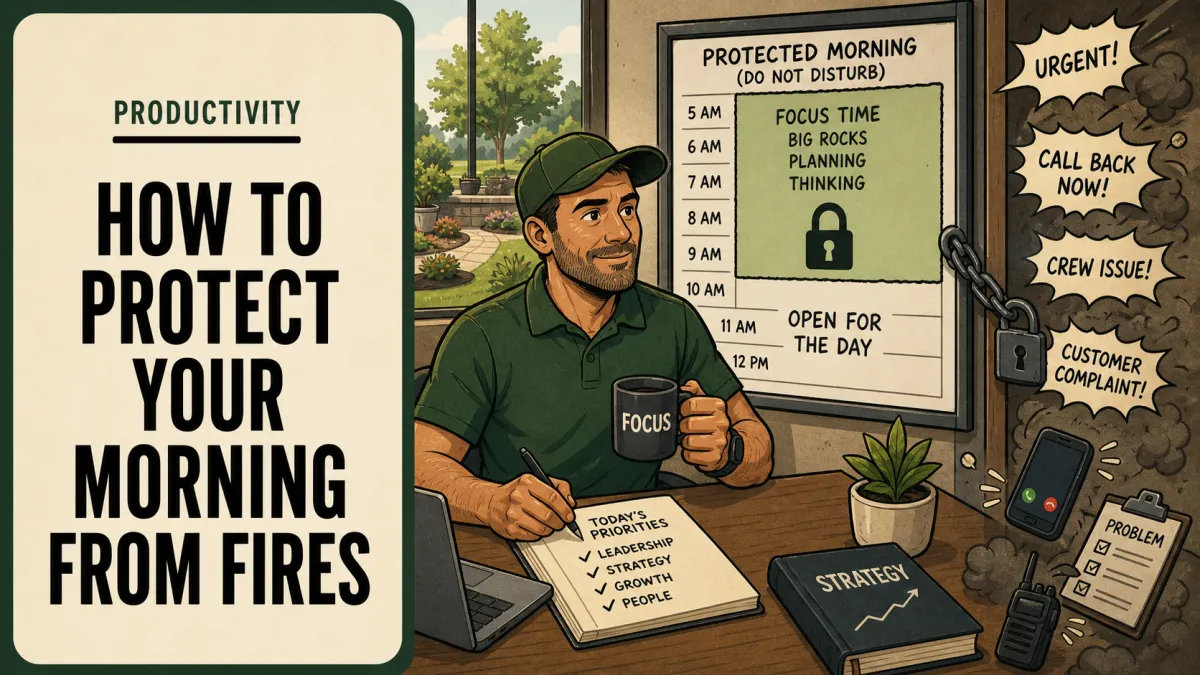
Reduce Morning Interruptions in a Landscaping Business
To reduce interruptions as a business owner, find out where they come from before you try to stop them. Log every call and text for a week, fix the questions that should have been answered the day before, and give crews written rules for what counts as an emergency. Batch everything else into set call windows and protect your first two hours.
Updated October 9, 2026
Log every interruption for one week
You can't fix interruptions you can't see. For five working days, write down every call, text, and "got a minute?" that pulls you off what you were doing. Keep it simple: the time, who it was, what they needed, and whether it truly needed you right then. A notes app or a sheet of paper on the truck dash is enough.
Don't judge entries while you log them. Most owners undercount until they see it on paper.
At the end of the week, give each entry one of four tags:
Prep gap. The answer was known yesterday but never reached the crew: gate codes, material counts, scope notes.
Authority gap. The person knew what to do but didn't think they were allowed to decide.
Repeat question. You have answered it more than twice this month.
Real exception. Something new or risky that genuinely needed you.
Sort the log and fix the source
Most of the log will land in the first three tags. Those are system problems. Silencing your phone just moves the same information gap into the field, where crews stand around waiting for an answer.
| Tag | Count | Typical example | Fix |
|---|---|---|---|
| Prep gap | 38 | Gate code, which mulch color, is the irrigation tech coming | Add it to the work order during next-day prep |
| Authority gap | 21 | Can we skip the back lot if it's flooded | Write a decision limit the crew leader owns |
| Repeat question | 17 | Where's the spare trimmer line, what's the dump fee | Put the answer in the team knowledge base |
| Real exception | 9 | Crew member hurt, truck backed into a fence | Keep the emergency line open |
| Total | 85 |
In this example, 76 of 85 interruptions were avoidable. At three to five minutes each, plus the time it takes to get your head back into what you were doing, that adds up to several hours a week.
Most prep gaps disappear once the morning dispatch checklist runs the afternoon before. Repeat questions go into a team knowledge base so the answer lives somewhere other than your head. Authority gaps need written limits, which setting decision boundaries for crews walks through.
Write triage rules for crews
Crews call you for everything because nobody ever told them what doesn't need you. Write the rule down on one page and keep a copy in every truck. Call the owner, or the named backup, right away for:
Any injury, or a hazard that could hurt someone.
Damage to a customer's property, a vehicle accident, or a utility strike.
A customer on site who is upset and wants the work stopped.
Anything that will cost more than an agreed dollar limit to fix or finish, for example $250.
Everything else goes into the queue: a shared group thread, a whiteboard at the shop, or a simple form the office checks. Equipment that quits mid-route gets its own written plan so crews can act without calling, using an equipment breakdown plan for crews.
Always name a backup for the emergency line, and make sure the rule never discourages anyone from reporting hazards, damage, or a time-sensitive customer problem.
Batch everything else into call windows
Once emergencies have their own lane, the rest can wait for a set time. Pick two or three call windows a day and tell the whole team when they are. Example: 9:30 to 10:00, 12:30 to 1:00, and 3:30 to 4:00.
Crew leaders post non-urgent questions in the queue with enough detail that you can answer in one reply. The office clears anything it can before each window.
The first week, people will test it. Hold the line politely: "Put it in the thread, I'll get to it at 9:30." If the same question shows up three times, move it to the knowledge base. One ten-minute window that clears eight questions costs far less focus than eight calls scattered across the morning.
Protect your first two hours
The first two hours after dispatch are when most owners lose the day. Keep them for work only you can do, like pricing and hiring. What to put in that time is covered in how to protect planning time on your calendar. Here, the job is keeping interruptions out.
Finish next-day prep the afternoon before, so crews leave the yard with complete information.
Name a first contact for the morning, such as a lead crew leader or office manager, who works the queue.
Turn off every notification except the emergency line until your first call window.
Work somewhere crews don't walk past. The shop office with the door open isn't protected time.
Review the interruption log every Friday and fix the top three sources.
Expect the log to shrink over three or four weeks. Each fixed source keeps paying you back, because that question stops coming in every day.
Frequently asked questions
Why do the same morning problems keep reaching the owner?
Usually the information, the authority, or a backup contact is missing from the dispatch process. Log and tag the actual calls before assuming employees are unwilling to decide.
How can crews ask nonurgent questions?
Give them one shared queue, such as a group thread or a form, with a named person who reviews it and a set response time. Keep the emergency route clearly separate so urgent problems never sit in the queue.
What should be fixed before morning dispatch?
Resolve known scope, access, materials, equipment, and staffing questions during the prior afternoon's prep wherever possible.
Explore 7 Figure Landscape Network's business systems programs or book a strategy call to discuss the operating problem you want to work on. Learn about Jim Wertz and the network.
For the broader owner time and office support process, use When to Hire an Office Administrator for Your Landscaping Business as your starting guide, then return to the specific issue covered here.
