Landscaping Owner Priorities: What to Do When Everything Feels Urgent
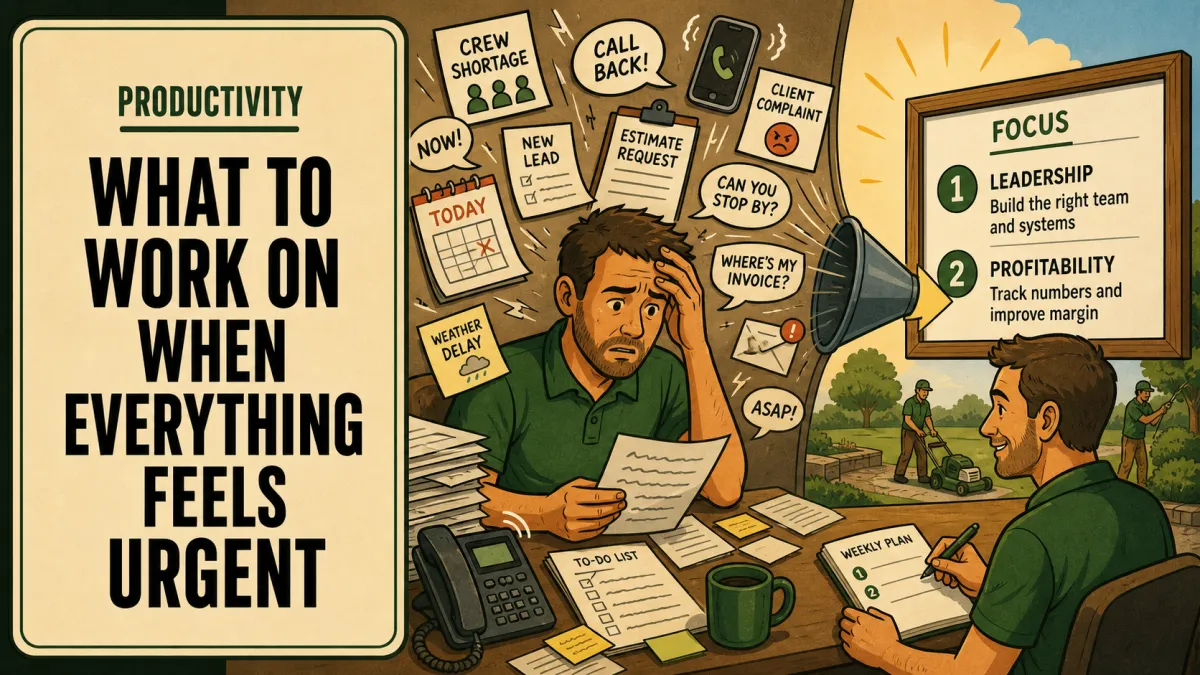
To prioritize as a business owner when everything feels urgent, split the list in two. Handle true emergencies right away: safety, property damage, and commitments due today. Then score everything else on profit impact, owner hours it frees, and risk it removes, and work the highest score first instead of the loudest message.
Updated October 9, 2026
Urgent and important are different lists
Urgent means someone wants an answer now. Important means it changes how the business runs next month. When the phone rings 40 times a day, almost everything feels urgent, and very little of it is important.
The trap is that urgent work feels productive. You answered twelve calls, solved four problems, and drove parts to two jobs. But nothing about tomorrow got easier. Most recurring urgent items are symptoms: a missing rule, an unclear handoff, a crew leader who isn't allowed to decide. If you only treat the symptoms, they come back every week.
Stabilize true emergencies first
Some things can't wait for a priority filter. Keep this list short and clear:
Anything involving injury or an unsafe condition.
Active damage to a customer's property or your equipment.
A commitment due today that will be missed without action.
A crew stopped and unable to work.
Handle these, then get out. Stabilizing means making it safe and keeping the job moving, not fixing the root cause on the spot. A crew stuck waiting on you costs real money, which you can put a number on with a crew waiting-time calculation. For the most common field emergency, give crews an equipment breakdown plan so the next one doesn't need you at all.
The weekly priority filter
Everything that isn't an emergency goes on one list. Once a week, score each item from 0 to 3 on three questions:
Profit impact. Does this protect or add margin? 3 means it affects many jobs or a large sale. 0 means no effect.
Owner hours freed. Does this remove recurring work from your week? 3 means it gives back several hours every week from here on.
Risk reduced. Does this lower the chance of losing a key person, a major customer, cash, or someone getting hurt?
Add the three scores. Before you take anything on, ask one more question: does this actually need the owner? If a trained person could own it with clear limits, hand it off using the delegation handoff template. Don't hand off unfamiliar high-risk work just to clear your list.
Worked example: a messy week
Here is a Monday list for an owner with three crews, after a mower fault on Crew 2 was handled as an emergency.
| Item | Profit | Hours freed | Risk | Total | Decision |
|---|---|---|---|---|---|
| Review two installs that ran over budget | 3 | 0 | 2 | 5 | Owner, Friday review |
| Fix work orders so crews stop calling for gate codes | 1 | 3 | 1 | 5 | Office builds, owner approves |
| Crew leader asking about a raise | 1 | 1 | 3 | 5 | Owner, Wednesday meeting |
| $38K patio quote due Friday | 3 | 0 | 1 | 4 | Owner, Tuesday block |
| Confirm materials for Thursday install | 1 | 0 | 1 | 2 | Office, today |
| Customer call about a dead shrub | 1 | 0 | 1 | 2 | Crew leader, per warranty rule |
| Research a new zero-turn | 1 | 0 | 0 | 1 | Next month |
| Collect uniform sizes | 0 | 0 | 0 | 0 | Office |
The owner keeps four items. Everything else has a name and a date on it. Notice the work order fix: it felt like the least urgent thing on the list, but it removes calls every single morning from now on. That kind of item never wins on urgency, which is exactly why it needs the filter.
Deadlines still count. The quote is due Friday, so it gets a block no matter what. The filter decides what happens with the rest of your open time.
Hold the line during the week
Scoring takes fifteen minutes. Keeping to it all week is the hard part.
Put your top items on the calendar as fixed blocks, using protected planning time so they don't get swallowed by calls.
Tell people the sequence. If something they asked for moved to next week, say so instead of letting it slip silently.
When a new item shows up midweek, score it before you touch it. Most can wait for Monday.
If the same urgent problem keeps returning, run a root-cause review instead of solving it again.
Friday, look at what got done and what didn't, and why.
A priority label doesn't create capacity. If commitments are bigger than the hours available, renegotiate the timing or bring in qualified help. Weekly scoring also works best when it sits under a few bigger goals, set through quarterly priorities for a landscaping company.
Frequently asked questions
How do I prioritize when several landscaping jobs need attention?
Handle safety and stopped crews first, then compare the consequences of delay, customer commitments, and who else is qualified to help. Tell the crews and the office the chosen sequence so nobody is waiting on a guess.
What makes a task an owner-only decision?
It needs authority, knowledge, or accountability you haven't delegated yet. Ask whether that is truly necessary or whether a clear handoff with written limits could safely move it to someone else.
Should urgent work always come before improvement work?
True emergencies come first. But recurring, avoidable urgent work keeps coming back until you fix its cause, so protect a realistic improvement block once immediate risks are under control.
Explore 7 Figure Landscape Network's business systems programs or book a strategy call to discuss the operating problem you want to work on. Learn about Jim Wertz and the network.
For the broader owner time and office support process, use When to Hire an Office Administrator for Your Landscaping Business as your starting guide, then return to the specific issue covered here.
